


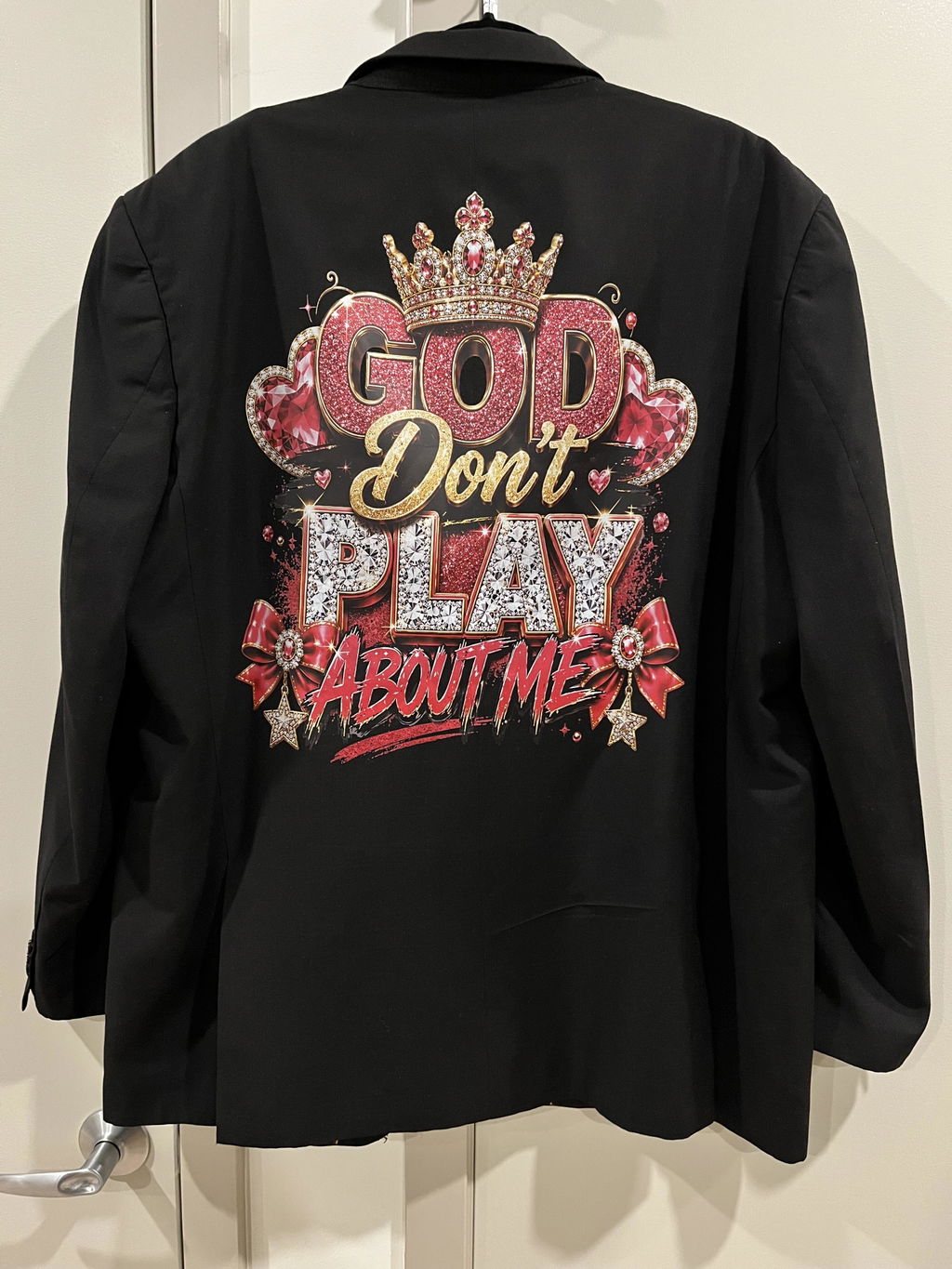
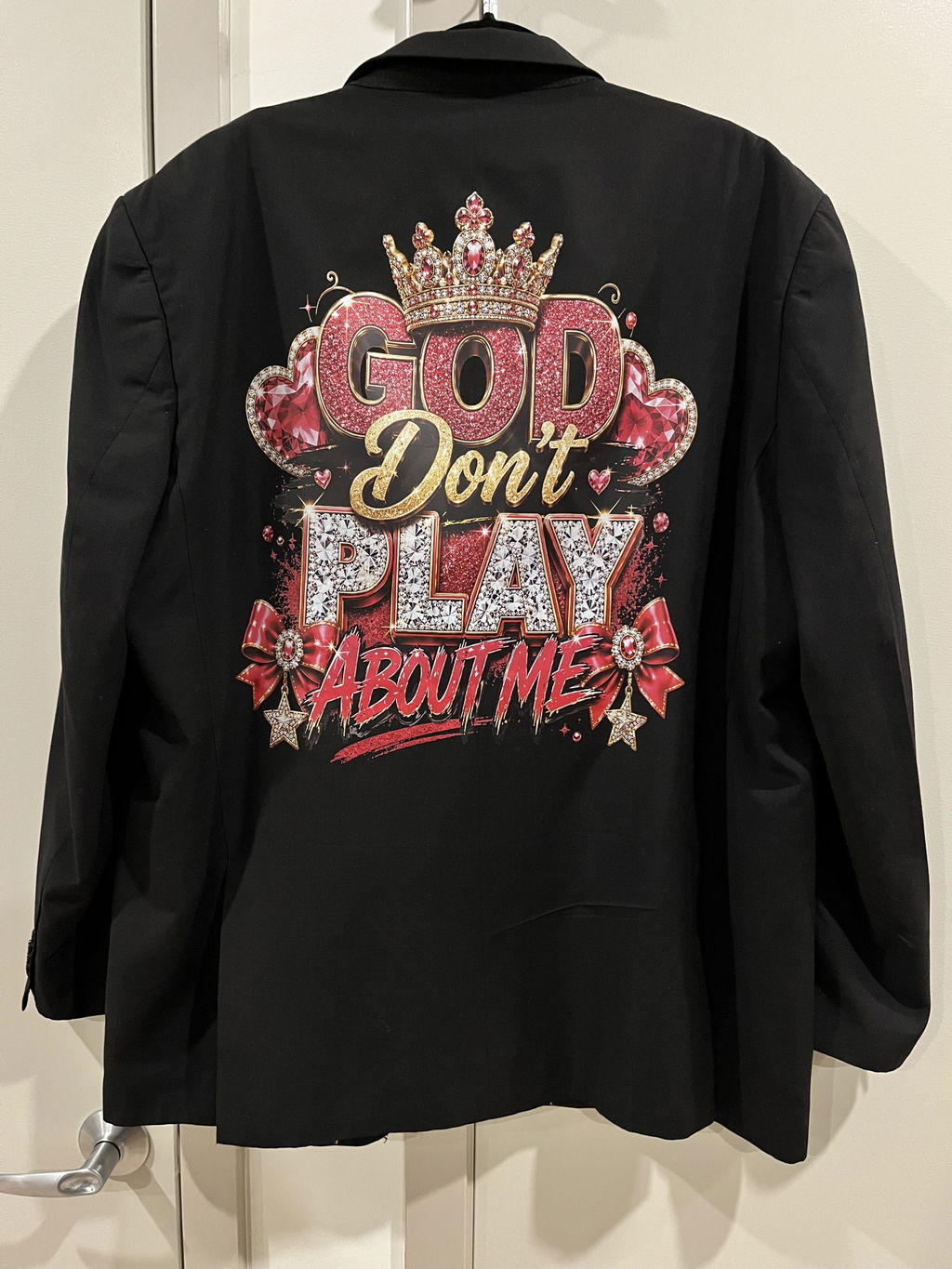
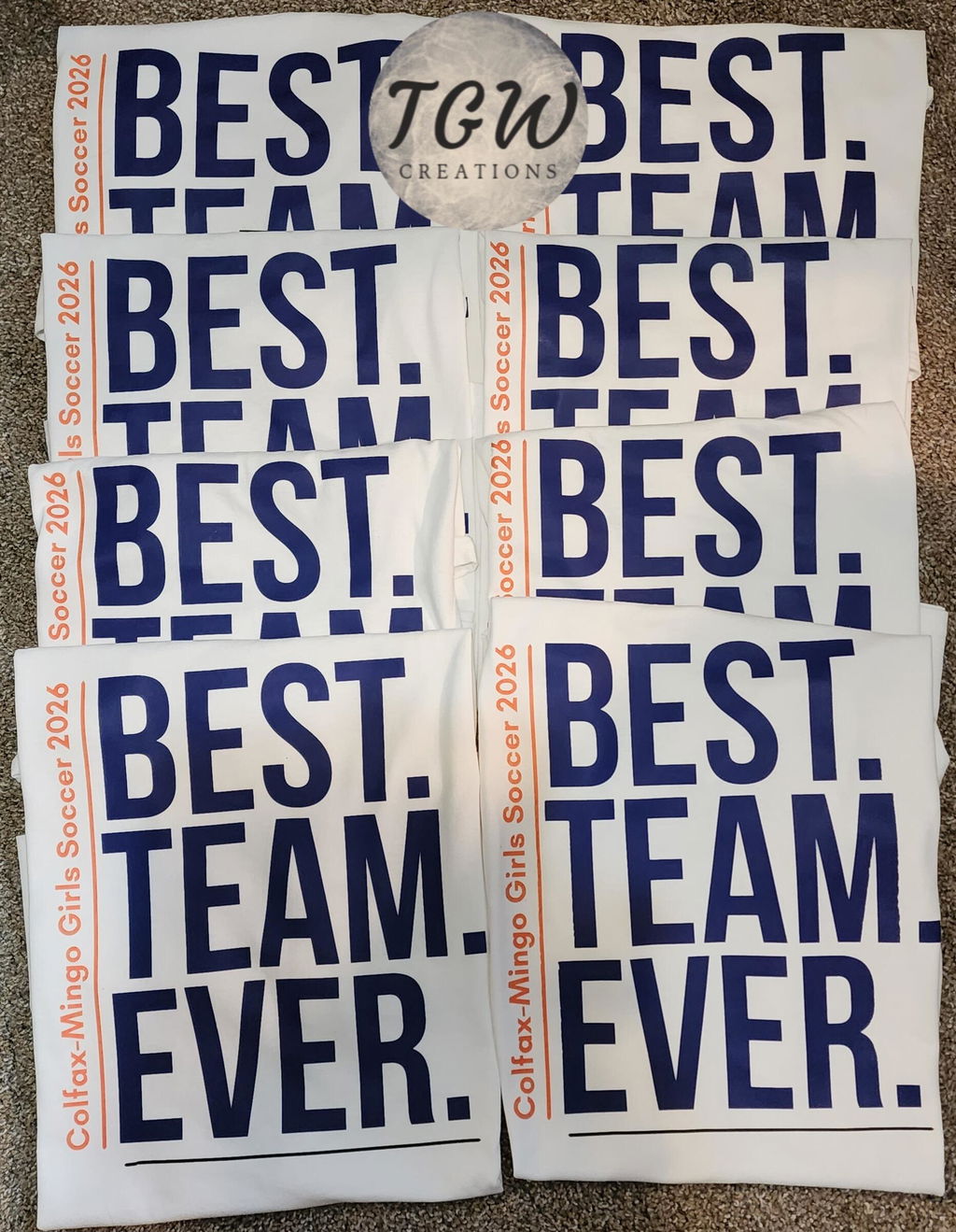
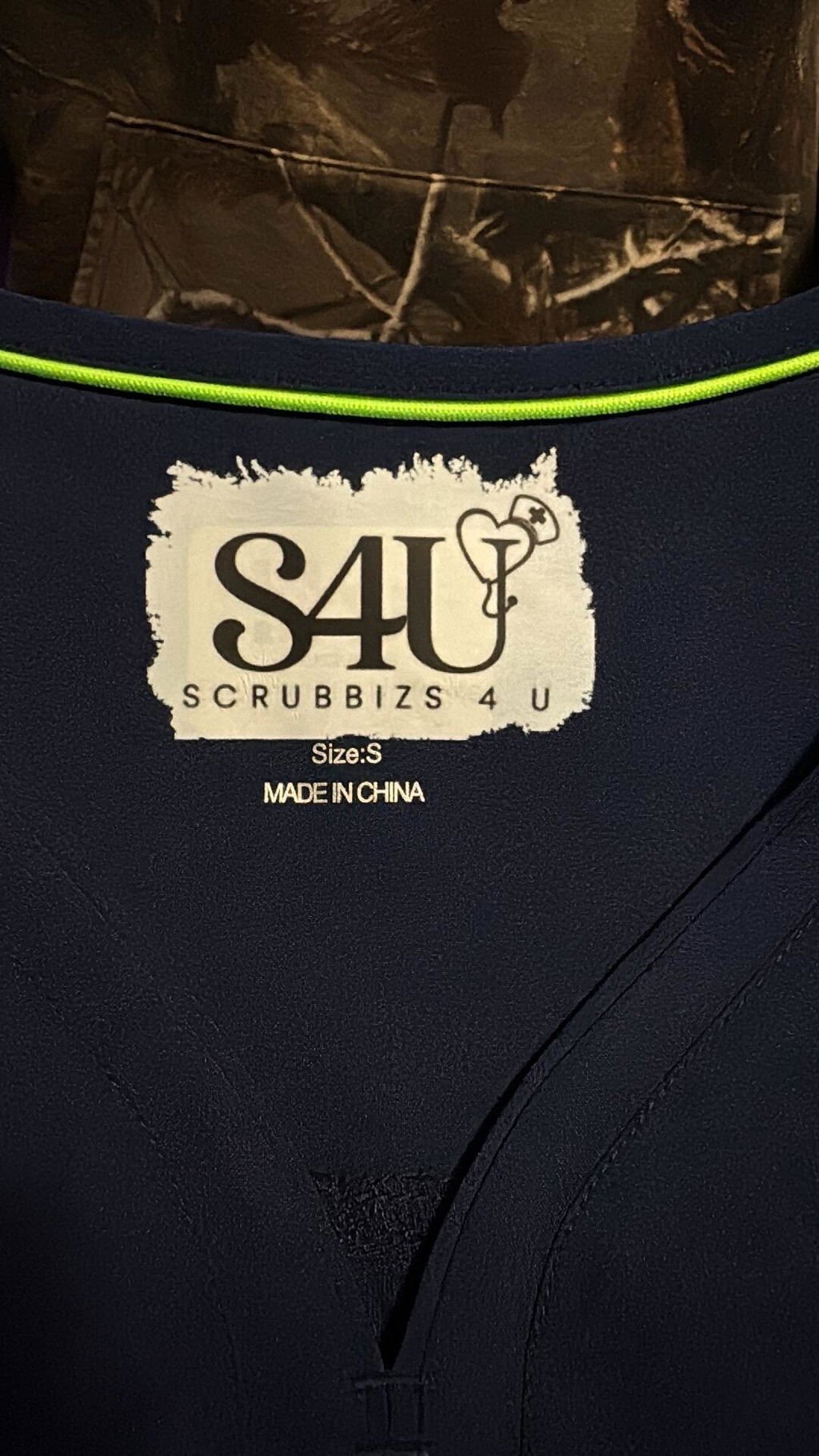
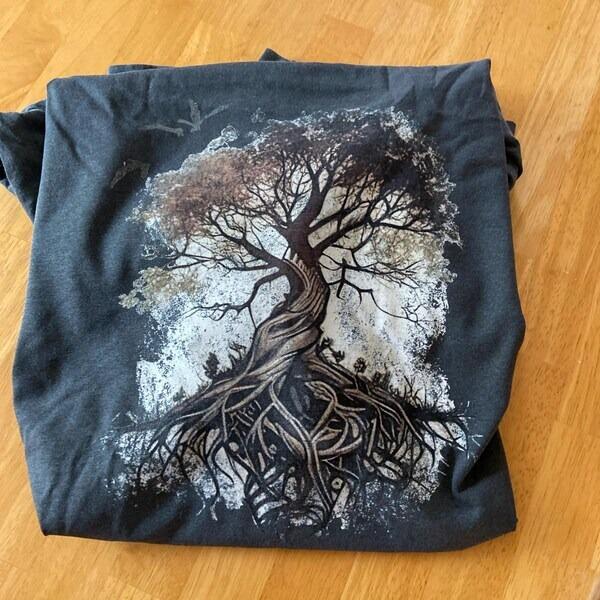
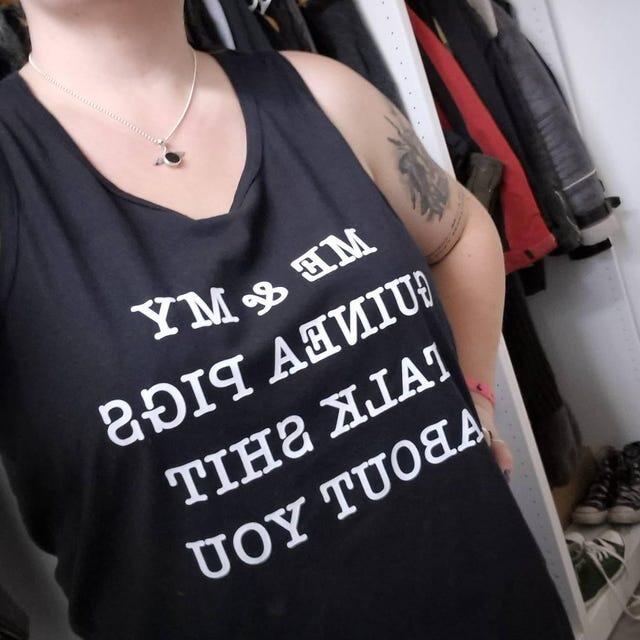
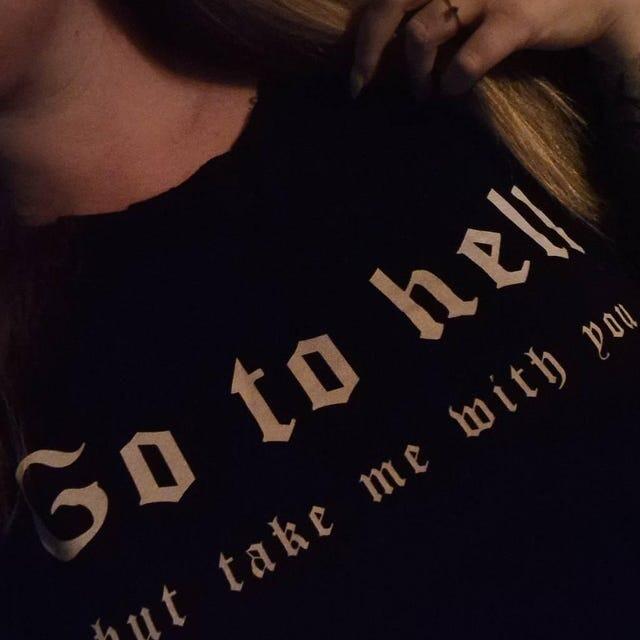
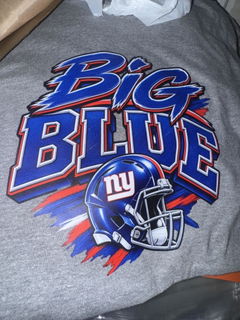


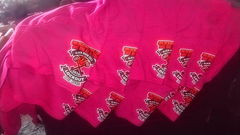
I will be ordering again!!!! Bright colorful dtf!!! I absolutely love the quick turn around and quality
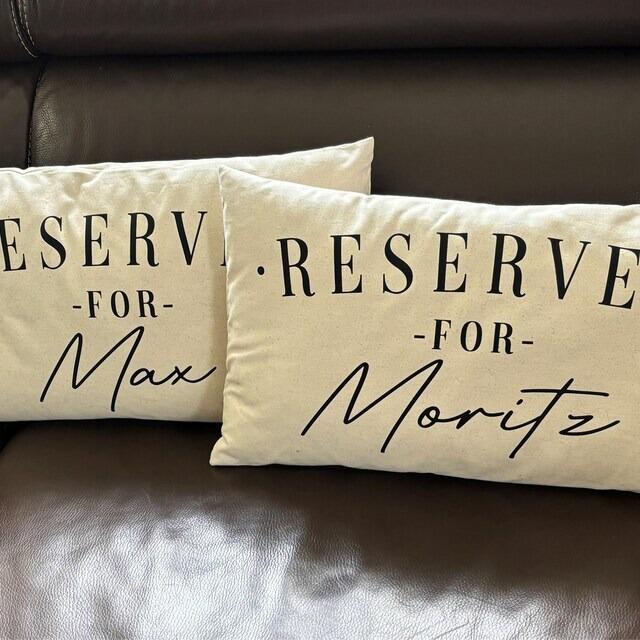
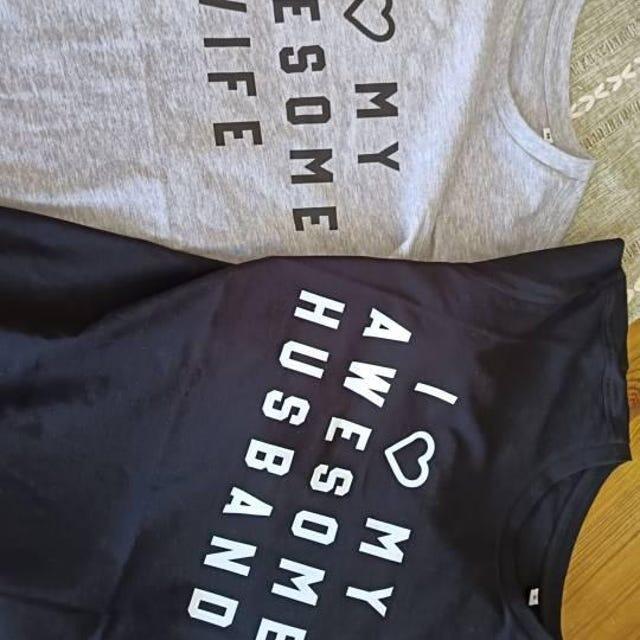
it was blurry by law the shirt has to say "for" and it didnt. it came out blurry. we can't use them.
Pro upload
Already have a print-ready file? Drop it in — we auto-check the size and quality, then you check out. Every sheet is 22" wide.
Upload at least one file and accept the terms to continue.
or click to browse · PNG, PDF, AI, TIFF, PSD, EPS · transparent background only · up to 2 GB
Browse filesOne Sheet. Endless Creativity.
Upload your custom Gang Sheet and turn your artwork into reality, economically, quickly, and with exceptional precision.
Upload 300 DPI files for the sharpest print output.
PNG and PDF deliver the most reliable results. Supported file formats: PNG, PDF, AI, PSD, EPS.
For projects where color accuracy is essential, we recommend uploading files in CMYK color mode.
When uploading PDF files:
Convert all text and strokes (such as borders) into outlines or shapes.
Ensure all images are embedded directly into the file, not linked externally.
Prefer ordering individual designs by size?
Visit our DTF Transfers by Size page to place your order that way.
A Few Helpful Notes
This page is specifically for Gang Sheet uploads sheets where multiple designs are arranged together.
If you want us to remove the background from your design(s), please leave a note at checkout so our team can assist.
Without a note, all files will be printed exactly as uploaded, with no editing.
📦 Printed Within 24 Hours
🚚 UPS Express Shipping (1–3 Business Days)
🎨 Perfect results on all fabrics. From soft tees to heavyweight hoodies.
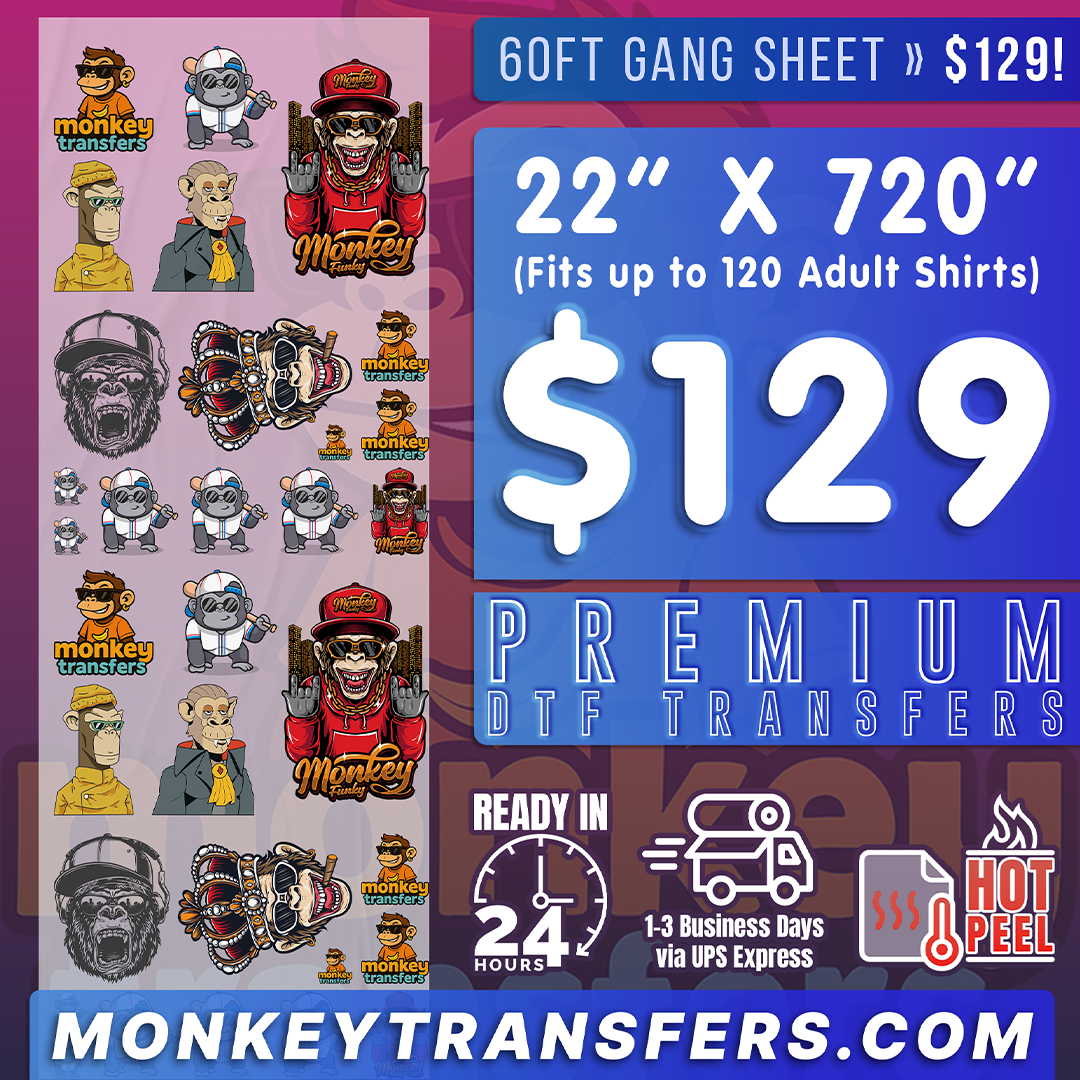
Let your creativity run wild with Monkey Transfers’ most popular printing option!


Tap a fabric to see exactly how to press it. Every Monkey sheet is hot-peel and ready in seconds.
The transfers are great. It’s the shipping that I wasn’t happy with. Got to me a day later than supposed to. Didn’t know shop is in Turkey a whole other country.
Love them. They worked out great. Press perfect.
I love the quality of the transfers, they are thin and flexible just the way they should be. They press on nice and adhere to any fabric very nicely.
Ok, so the prints are decent.But that is bright as I thought, also, if it says twenty two inches wide, why is it that there is so much extra space of wildness... waste of paper if that is the case add the same going down the 120 inches, but smaller, so we not wasting paper... for other than that, it did its purpose.I will be ordering again...
From ordering to pressing, the entire process felt smooth and predictable with no unexpected issues during application.
Applied these transfers on different fabric types and each one pressed cleanly with consistent color output.
Transfers handled daily production demands without slowing down the process.
Based on repeated use, these transfers offer dependable quality suitable for long-term production needs.
The finished print feels polished and suitable for customer-facing products.
Loved it
Terrible, all around...
White showed on edges where it should have been blue, Adhesive on the back was crusty and lumpy, Applied as instructed, stretch tested, Image cracked. I test printed a design from competition, and that worked perfect in the stretch test.
Overspray on the back of the film was clear, but felt dirty.
I don't have time to write you a book, as I need to get these reprinted from competition ASAP.
I would ask for my money back, and you are more than welcome to send a call tag to pick up all the remaining graphics. I used 3 images, out of the 360" roll. Oh, and I wasted time cutting them all apart prior to scheduled production.
Bill Hause, RedLine Apparel llc.
I gave specific instructions to choke the white under base of my artwork. I also double checked to ensure that there are no transparent pixels in my artwork, and I still received a poorly printed gang sheet of my work and now I don’t have time to fix it very disappointed.
Came very quick. Very soft. Went on easy
Love the printing and fast delivery
I almost thought that the price was too good to be true. So I gave it a go, uploaded my gang sheet. And much to my surprise, a few days later, Monkey delivered on their promise. High quality DTFs at an incredible price. Will be uploading another gang sheet asap.
Quick, Easy and the shipping was super fast! The colors were perfect. Thanks!
Monkey Transfers... I mean, come on. This is insane. Sheets loaded with full-color, high-detail prints that look absolutely dialed in. The quality is next level—everything is crisp, vibrant, and presses like a dream. Monkey Transfers is 100% worth it. 10 out 10 every time... No question.
Was Great l love it
I received my first order from them and they were great. They were produced and shipped quicker than my usual supplier. I will be ordering from them again.
First time ordering with this company and so far am very pleased with the quality, and quickness of getting my order. I will be using them again.
These transfers fit smoothly into our existing pressing workflow and did not require changes to our setup.
Every press delivered predictable outcomes, which is critical for bulk order consistency.
Results look professionally finished even though the process itself remains simple and efficient.
Uploaded artwork was reproduced faithfully without unexpected changes or loss of detail.
Finished items show no residue or unwanted texture after application.
Finished garments look neat and professional without excess thickness.
The peel process was smooth across all items, with no tearing or lifting at the edges.
Surface remains smooth and comfortable after pressing.
We used the same designs across multiple batches and each run delivered identical results without noticeable variation.